The magic of a big screen and immersive sound can quickly turn into a frustrating experience when the audio doesn’t match the visuals. If you’ve ever found yourself watching a movie or playing a game on your Bluetooth projector only to notice a distracting delay between what you see and what you hear, you’re not alone. Audio lag is a common issue with wireless setups, especially with projectors, but it’s often solvable. This guide will walk you through practical, expert-backed strategies to bring your audio and video back into perfect harmony, ensuring your mini projector delivers the seamless entertainment it promises.
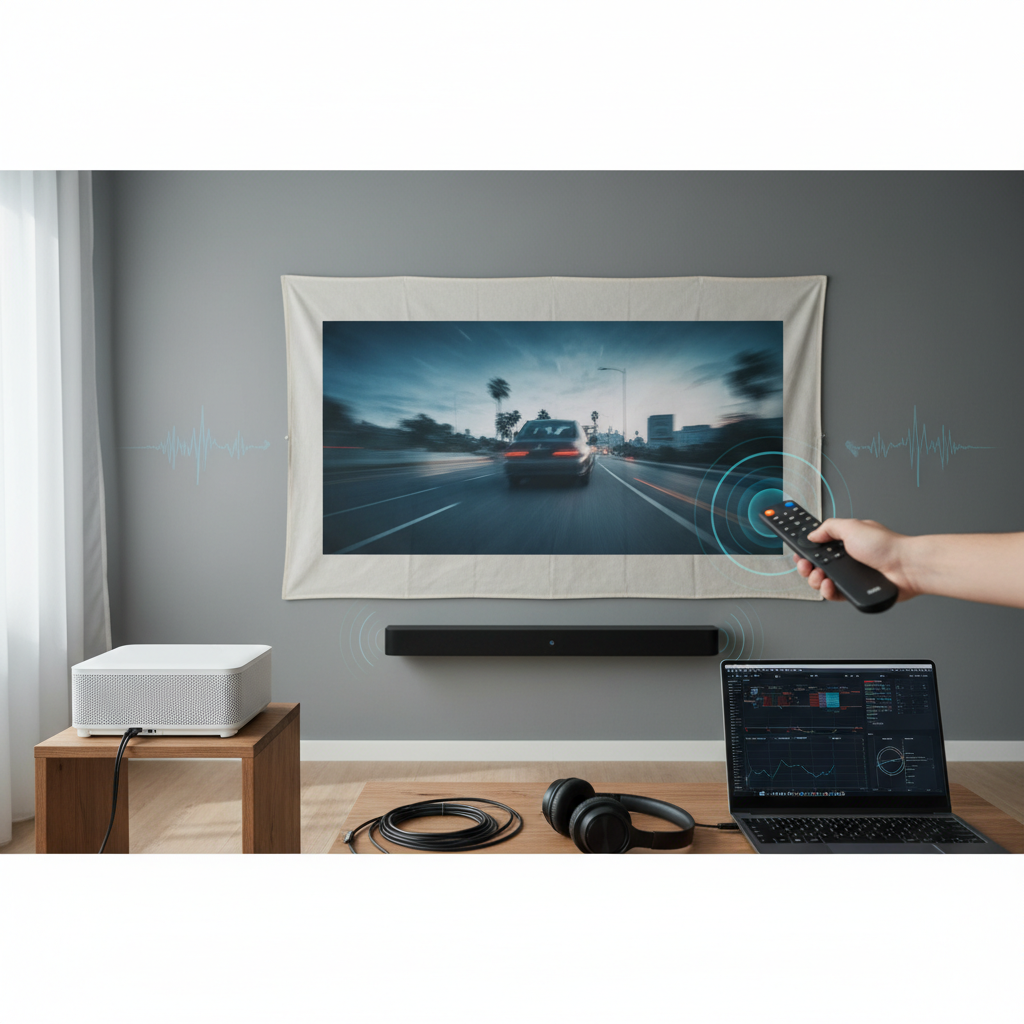
Understanding Bluetooth Audio Lag in Projectors
Bluetooth technology, while incredibly convenient for wireless connectivity, wasn’t originally engineered for the ultra-low latency required for perfect audio-visual synchronization. The time it takes for audio data to travel from your projector to your Bluetooth speaker or headphones, get processed, and then emit sound, introduces a small but noticeable delay. This latency is exacerbated by various factors, including the processing power of your devices, signal interference, and the specific Bluetooth codecs in use. A standard Bluetooth connection can introduce anywhere from 100-200 milliseconds (ms) of delay, which is often enough to create a noticeable lip-sync error.
Common Causes of Audio Lag with Bluetooth Projectors
Understanding why audio lag occurs is the first step toward fixing it. Several elements contribute to this frustrating synchronization issue:
- Inherent Bluetooth Latency: All Bluetooth connections have some degree of latency due to the encoding, transmission, and decoding process of audio data. Standard Bluetooth profiles aren’t optimized for real-time video synchronization.
- Device Processing: Both the projector and the connected Bluetooth audio device require time to process the audio signal. Older or less powerful hardware can introduce more significant delays.
- Signal Interference: Bluetooth operates on the 2.4 GHz frequency band, which is shared with many other wireless devices like Wi-Fi routers, cordless phones, and other Bluetooth gadgets. This can lead to signal degradation and increased latency.
- Distance and Obstacles: The further your Bluetooth speaker is from the projector, or if there are physical barriers (walls, furniture), the weaker the signal becomes, increasing the likelihood of lag.
- Source Device Settings: Sometimes, the audio delay originates from the source device (laptop, streaming stick, gaming console) connected to the projector, especially if it’s performing heavy processing or has specific audio settings enabled.
- Network Congestion: If you’re streaming content wirelessly to your projector, a slow or congested Wi-Fi network can contribute to overall playback delays, including audio lag.
Step-by-Step Solutions to Eliminate Audio Lag
Addressing audio lag often requires a combination of adjustments. Start with the simplest solutions and work your way through these steps for the best results.
1. Optimize Your Projector Settings
Your projector’s internal settings are often the first place to look for solutions.
- Enable Game Mode or Low Latency Mode: Many modern projectors, particularly those designed with gaming in mind, include a “Game Mode” or “Low Latency Mode.” Activating this setting can significantly reduce input lag by bypassing or minimizing internal video processing, which often helps with audio sync.
- Disable Unnecessary Image Processing: Features like auto keystone correction, motion smoothing (MEMC), noise reduction, and other picture enhancements can introduce processing delays. Temporarily disable these features in your projector’s menu to see if the lag improves.
- Update Projector Firmware: Manufacturers often release firmware updates that can improve performance, fix bugs, and optimize latency. Check your projector’s official website for the latest firmware and follow the update instructions carefully.
- Adjust Lip Sync or Audio Delay: Some projectors or source devices (like A/V receivers) have a “Lip Sync” or “Audio Delay” setting. This allows you to manually adjust the audio timing forward or backward to match the video. Experiment with small increments until synchronization is achieved.
- Reset Audio Profiles (Workaround): For some projector models, a simple trick is to switch the projector’s audio output setting from the current profile to another, and then switch it back to your preferred Bluetooth profile. This can sometimes reset the audio buffer and resolve temporary lag.
|
Our Picks for the Best Mini projector in 2026
As an Amazon Associate I earn from qualifying purchases.
|
||
| Num | Product | Action |
|---|---|---|
| 1 | 【Built-in APPS & Electric Focusing & 210° Rotation】Mini Projector With Wifi And Bluetooth, 1080P Portable Projector, Movie Projector for Bedroom, Supports Smartphones/TV Stick/iPad/PS5/Laptop/HDMI/USB |

|
| 2 | Mini Projector, ELEPHAS Portable Projector for iPhone, 7000L with Synchronize Smartphone Screen, Movie Projector with 1080P HD/200 Screen Support, Compatible with Android/iOS/TV Stick/HDMI/USB/SD |
|
| 3 | Magcubic Mini Projector with WiFi 6 and Bluetooth 5.4, Portable Projector 4K Support, 5W Soundbase Speaker, Auto Vertical Keystone 180°Rotatable Smart Proyector for Movie Home Outdoor |
|
| 4 | HP Smart Mini Projector with WiFi and Bluetooth, Short Throw Projector, Native 1080P Full HD, Official Licensed Apps, Auto Focus & Keystone, Portable Movie Projector for Bedroom & Outdoor |
|
| 5 | CiBest Mini Projector, Upgraded Full HD 1080P Support Video Projector, Portable Small Movie Projector, Compatible with iOS/Android/Windows/TV Stick/Box/USB/HDMI |
|
| 6 | HAPPRUN Native 1080P Bluetooth Mini Projector, Full HD Portable Outdoor Movie Projector with Built-in Speaker, Compatible with Smartphone, HDMI, USB, AV, Fire Stick, PS5 for Home, Bedroom, Outdoor Use |
|
| 7 | [Built-in Apps] CLOKOWE Mini Projector with WiFi and Bluetooth, 2026 Upgraded 1080P Smart Portable Projector with 180° Rotation, Auto Keystone, Compatible with iPhone/Android/Laptop/TV Stick/HDMI/USB |
|
| 8 | Optoma 4K UHD Projector HDR High Brightness Home Theater DLP Technology White Compact Design Gaming Ready Streaming Bundle HDMI Cable CPS 12 Month Protection Plan Included |
|
| 9 | Mini Projector with WiFi 6 and Bluetooth 5.4 Built-in Apps for Bedroom Portable Projector Android 14 Smart Auto Keystone 1080P 4K Support Compatible with iOS/HDMI/TV Stick VisualCube 300 White |
|
| 10 | Mini Projector with Wifi 6 and Bluetooth5.4, Portable Projector 4K Support, Android 14 Smart Proyector with 200ASIN & Auto Keystone, Alwtniet HY300Pro Small Proyector for Bedroom, Movie, Outdoor |
|
2. Enhance Your Bluetooth Connection
The quality and stability of your Bluetooth connection play a crucial role in preventing audio lag.
- Reduce Distance and Obstacles: Position your Bluetooth audio device as close to the projector as possible, ideally within a few feet and with a clear line of sight. Avoid placing objects between them that could obstruct the signal.
- Minimize Interference: Bluetooth shares the 2.4 GHz spectrum with many other devices. Turn off other nearby wireless devices (Wi-Fi on devices not in use, other Bluetooth devices) to reduce potential interference.
- Re-pair Bluetooth Devices: Unpairing and then re-pairing your Bluetooth speaker or headphones with the projector can often resolve connection glitches that contribute to lag.
- Utilize aptX Low Latency Devices: If your projector and Bluetooth audio device (or a Bluetooth transmitter/receiver) both support the aptX Low Latency codec, this is often the most effective solution. This codec is specifically designed to minimize audio delay, bringing it down to a near-imperceptible 40ms or less.
“Bluetooth was never designed to sync audio with video and especially so with an HDMI source. You can get a Bluetooth transmitter/receiver with the aptX low latency codec. About 40ms delay which shouldn’t be noticeable to most.” – AV Integrated, Theater, whole house audio, and technology installation expert
3. Tweak Your Source Device Settings
The device feeding content to your projector might also be contributing to the delay.
- Enable Game Mode on Consoles/PCs: If you’re connecting a gaming console or PC, ensure that “Game Mode” is activated in its display or sound settings. This can reduce the latency of the video signal before it even reaches the projector.
- Lower Resolution on Source Device: For gaming or fast-paced video, temporarily lowering the output resolution from your source device (e.g., from 4K to 1080p) can sometimes reduce the processing burden and improve overall responsiveness, including audio sync.
- Check Audio Output Settings: Verify that your source device isn’t performing any unnecessary audio processing or routing through multiple internal channels before sending it to the projector. Select a direct audio output if available.
4. Consider Wired Alternatives
While the convenience of Bluetooth is appealing, a wired connection is inherently more reliable for eliminating latency.
- The Reliability of HDMI: For the best possible audio-visual sync, connecting your audio system directly to the source device (e.g., streaming stick, console, laptop) via an HDMI cable is often the most effective solution. HDMI transmits both audio and video digitally, with minimal delay.
- Using a 3.5mm Audio Jack: If your projector or source device has a 3.5mm audio output (headphone jack), you can connect it directly to an external speaker or sound system using a standard audio cable. This bypasses Bluetooth altogether.
- HDMI Audio Extractors: If your sound system doesn’t have an HDMI input, or you prefer to route audio separately, an HDMI audio extractor can be a valuable tool. This device splits the audio signal from an HDMI stream, allowing you to send the video to the projector and the audio to your sound system via optical, coaxial, or RCA cables.
5. Improve Your Network Environment
If you’re streaming content wirelessly, your home network plays a role in overall latency.
- Stable Wi-Fi for Streaming: Ensure your Wi-Fi network is stable and provides sufficient bandwidth for high-quality video and audio streaming. A weak or congested network can lead to buffering and delays that affect audio sync. Consider using a 5GHz Wi-Fi band if your devices support it, as it’s generally less congested than 2.4GHz.
6. Advanced Troubleshooting and External Devices
When basic steps aren’t enough, consider these more advanced options.
- Dedicated Low-Latency Bluetooth Adapters: If your projector doesn’t support aptX Low Latency natively, you can purchase an external Bluetooth transmitter with aptX LL support. Connect this transmitter to your projector’s audio output (e.g., 3.5mm or optical), and then pair it with aptX LL-compatible Bluetooth headphones or speakers.
- Specialized HDMI Passthrough Devices: Some advanced home theater setups might benefit from specialized HDMI passthrough devices that can manage and synchronize audio and video streams more effectively, though these are typically for more complex configurations.
Buying Guide: Choosing a Low-Latency Setup
If you’re in the market for a new projector or audio accessories and wish to minimize potential audio lag from the outset, keep these points in mind:
- Look for aptX Low Latency Support: Prioritize projectors, Bluetooth transmitters, and Bluetooth audio devices that explicitly state support for aptX Low Latency. This is the gold standard for reducing wireless audio delay.
- Prioritize Projectors with Game Mode and Low Input Lag: Even if you’re not a gamer, a projector marketed for gaming usually indicates a design philosophy focused on minimal processing delays, which benefits overall A/V sync.
- Consider Wired Connections if Latency is Critical: For mission-critical applications like professional presentations or serious gaming, a wired connection via HDMI or a direct audio cable will always provide the lowest possible latency and the most reliable experience.
Conclusion
Audio lag with Bluetooth projectors can be a nuisance, but it’s rarely an insurmountable problem. By systematically working through your projector’s settings, optimizing your Bluetooth connection, fine-tuning your source device, and considering wired alternatives, you can significantly reduce or eliminate the synchronization issues. Remember that often, a combination of these strategies will yield the best results. Don’t let a slight delay ruin your immersive viewing experience; take control of your audio, and enjoy perfectly synced sound with your mini projector. What’s your go-to solution for audio lag?
Frequently Asked Questions
What is aptX Low Latency?
aptX Low Latency is a Bluetooth audio codec designed by Qualcomm to reduce the delay (latency) in wireless audio transmission. While standard Bluetooth can have a delay of 100-200ms, aptX Low Latency aims to bring this down to around 40ms, making audio-visual synchronization much more accurate and less noticeable to the human ear.
Can a faster internet connection fix Bluetooth audio lag?
A faster internet connection primarily affects streaming quality and buffering, not the inherent latency between your projector and a Bluetooth audio device. However, if your video source is buffering due to a slow internet connection, this can exacerbate overall delays and make audio lag seem worse. A stable, fast connection is crucial for smooth streaming, but it won’t directly fix Bluetooth’s wireless transmission delay.
Is audio lag common with all Bluetooth projectors?
Audio lag is a common characteristic of most Bluetooth audio setups, including those with projectors, due to the nature of wireless data transmission and processing. While some projectors and devices handle it better than others, an entirely lag-free wireless experience is rare. However, the severity of the lag can vary greatly depending on the devices, settings, and environment.
Should I use my projector’s built-in speakers instead of Bluetooth?
Using your projector’s built-in speakers or a wired audio connection will generally eliminate Bluetooth audio lag because the sound is either integrated or transmitted directly without wireless processing delays. While built-in speakers might not offer the best sound quality, they are typically perfectly synchronized with the visuals.
How much audio delay is noticeable?
Most people begin to notice audio delays when they exceed 40-50 milliseconds. Delays below this threshold are often imperceptible. As the delay increases beyond 100ms, it becomes increasingly distracting, leading to a noticeable lip-sync issue that can detract significantly from the viewing experience.