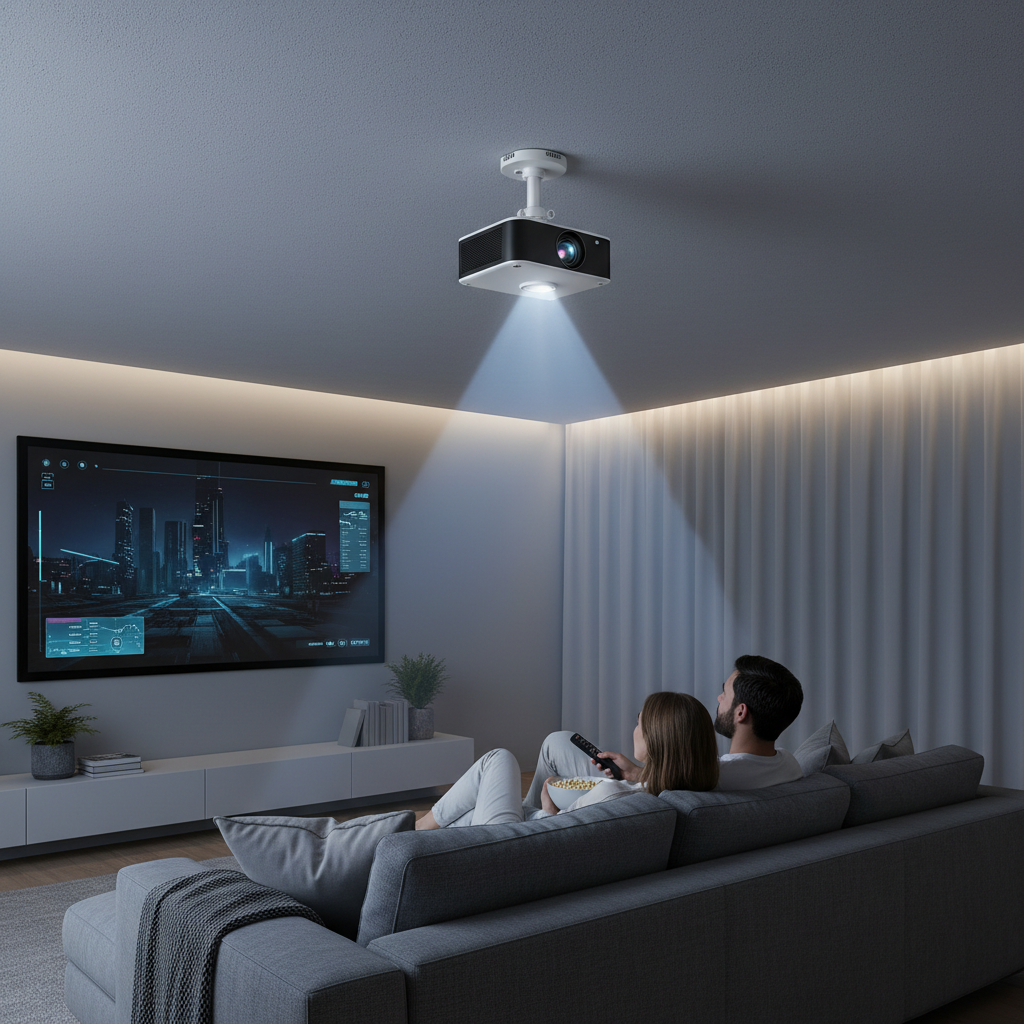
Imagine transforming any room into a cinematic wonderland or a productive presentation space with a mini projector. While these compact devices offer incredible versatility, their true potential is often unlocked by the right setup. A ceiling mount is a game-changer, lifting your mini projector out of the way and perfectly aligning it for an immersive viewing experience. But with countless options on the market, how do you choose the best ceiling mount for your mini projector in 2026?
This comprehensive guide will navigate you through the essential considerations, spotlighting top models, and providing expert insights to ensure your mini projector setup is both functional and aesthetically pleasing.
Why Choose a Ceiling Mount for Your Mini Projector?
Opting for a ceiling mount offers several compelling advantages over tabletop or shelf placement. Primarily, it’s a superb space-saving solution, freeing up valuable surface area and reducing clutter. Beyond aesthetics, a ceiling mount ensures your mini projector is optimally positioned for consistent image alignment, eliminating the need for constant adjustments. This fixed setup enhances safety, especially in homes with children or pets, by keeping the device securely out of reach. For a clean, professional look in any home theater, meeting room, or classroom, a ceiling mount is undeniably the superior choice.
Types of Mini Projector Ceiling Mounts
Mini projector ceiling mounts come in various designs, each catering to different needs and room aesthetics. Understanding these types will help you select the most suitable option for your specific setup.
- Flush Mounts: These mounts attach the projector directly to the ceiling with minimal gap, offering a discreet, low-profile look. They are ideal for rooms with standard ceiling heights where the projector’s lens alignment works well close to the ceiling.
- Pole Mounts (with Extension): When dealing with high or vaulted ceilings, a pole mount with an adjustable extension arm is essential. These allow you to suspend the projector at the perfect height for optimal throw distance and image positioning, typically extending from a few inches to several feet.
- Universal Mounts: Most popular for mini projectors, universal mounts feature adjustable arms that can accommodate various projector brands and models. This versatility makes them a future-proof choice, as you won’t necessarily need a new mount if you upgrade your projector.
- Gimbal Mounts: Some specialized mounts, like the DAWASAPAT Projector Ceiling Mount with Gimbal, offer enhanced adjustability with a spherical joint, allowing for extremely precise horizontal and vertical angle adjustments. This fine-tuning is invaluable for achieving a perfectly squared image.
Key Factors to Consider When Choosing a Mini Projector Ceiling Mount
Selecting the ideal ceiling mount for your mini projector goes beyond just finding something that holds it up. Several crucial factors influence stability, adjustability, and overall performance.
Weight Capacity and Projector Size
|
Our Picks for the Best Mini projector in 2026
As an Amazon Associate I earn from qualifying purchases.
|
||
| Num | Product | Action |
|---|---|---|
| 1 | Optoma 4K UHD Projector HDR High Brightness Home Theater DLP Technology White Compact Design Gaming Ready Streaming Bundle HDMI Cable CPS 12 Month Protection Plan Included |

|
| 2 | Mini Projector, ELEPHAS Portable Projector for iPhone, 7000L with Synchronize Smartphone Screen, Movie Projector with 1080P HD/200 Screen Support, Compatible with Android/iOS/TV Stick/HDMI/USB/SD |
|
| 3 | 【Built-in APPS & Electric Focusing & 210° Rotation】Mini Projector With Wifi And Bluetooth, 1080P Portable Projector, Movie Projector for Bedroom, Supports Smartphones/TV Stick/iPad/PS5/Laptop/HDMI/USB |
|
| 4 | CiBest Mini Projector, Upgraded Full HD 1080P Support Video Projector, Portable Small Movie Projector, Compatible with iOS/Android/Windows/TV Stick/Box/USB/HDMI |
|
| 5 | Mini Projector with WiFi 6 and Bluetooth 5.4 Built-in Apps for Bedroom Portable Projector Android 14 Smart Auto Keystone 1080P 4K Support Compatible with iOS/HDMI/TV Stick VisualCube 300 White |
|
| 6 | Magcubic Mini Projector with WiFi 6 and Bluetooth 5.4, Portable Projector 4K Support, 5W Soundbase Speaker, Auto Vertical Keystone 180°Rotatable Smart Proyector for Movie Home Outdoor |
|
| 7 | Mini Projector with Wifi 6 and Bluetooth5.4, Portable Projector 4K Support, Android 14 Smart Proyector with 200ASIN & Auto Keystone, Alwtniet HY300Pro Small Proyector for Bedroom, Movie, Outdoor |
|
| 8 | HAPPRUN Native 1080P Bluetooth Mini Projector, Full HD Portable Outdoor Movie Projector with Built-in Speaker, Compatible with Smartphone, HDMI, USB, AV, Fire Stick, PS5 for Home, Bedroom, Outdoor Use |
|
| 9 | [Built-in Apps] CLOKOWE Mini Projector with WiFi and Bluetooth, 2026 Upgraded 1080P Smart Portable Projector with 180° Rotation, Auto Keystone, Compatible with iPhone/Android/Laptop/TV Stick/HDMI/USB |
|
| 10 | HP Smart Mini Projector with WiFi and Bluetooth, Short Throw Projector, Native 1080P Full HD, Official Licensed Apps, Auto Focus & Keystone, Portable Movie Projector for Bedroom & Outdoor |
|
The most critical factor is ensuring the mount can safely support your mini projector’s weight. While mini projectors are generally lightweight, always check the specifications of both your projector and the mount. Industry experts often recommend choosing a mount with a weight capacity at least 20% higher than your projector’s actual weight for added safety and stability. For example, some mounts designed for small projectors, like the Mount-It! Ceiling Mount, can surprisingly handle up to 44 pounds, providing ample security for most mini devices.
Adjustability (Tilt, Swivel, Rotation, Extension)
Optimal image alignment is paramount for a great viewing experience. Look for mounts that offer comprehensive adjustment capabilities:
- Tilt: Allows vertical angling of the projector to correct trapezoidal (keystone) distortion.
- Swivel: Enables horizontal rotation to perfectly center the image on your screen.
- Rotation (Roll): Offers fine-tune adjustment around the projector’s axis, crucial for squaring the image.
- Extension Arm Length: If your ceilings are high, an adjustable pole is vital to achieve the correct throw distance and prevent image distortion. Mounts like the Monoprice Ceiling Mount can extend up to 36 inches, accommodating tall rooms.
Material and Build Quality
The longevity and stability of your mount depend heavily on its construction. High-quality materials like heavy-gauge cold-rolled steel or aluminum alloy are preferred for their strength and durability. Inspect the build quality for solid joints and secure fastenings, as these prevent unwanted wobbling and ensure your projector remains stable over time. Avoiding mounts with excessive plastic components can contribute to better long-term reliability.
Compatibility
While many mini projectors come with standard mounting holes, variations exist. Universal mounts with adjustable arms are typically the safest bet, as they can adapt to different mounting patterns. Always verify that the mount’s arm spread can accommodate your mini projector’s mounting points.
Ceiling Type and Installation
Your ceiling’s construction dictates the installation method.
- Wood or Metal Joists: These offer the strongest anchoring points, ideal for lag bolts.
- Drywall: Requires specialized toggle bolts or the installation of a backer bar between joists for secure attachment, as drywall alone cannot support the weight of a projector.
- Vaulted or Sloped Ceilings: Some mounts are designed with articulation points to adapt to angled ceilings, ensuring the projector hangs level.
Careful planning, including locating studs and pre-drilling pilot holes, is crucial for a safe installation.
Cable Management
A clean setup means neatly concealed wires. Many modern mounts include integrated channels or clips for effective cable management, allowing you to route power and HDMI cables discreetly through the mount itself or along the extension pole. This not only enhances aesthetics but also reduces trip hazards.
Aesthetics
Consider the mount’s design and color. Low-profile models that sit close to the ceiling blend seamlessly into most environments. Many mounts are available in white or black, allowing you to choose one that complements your room’s decor.
Heat Dissipation
Projectors generate heat, so ensure your chosen mount doesn’t obstruct the projector’s ventilation vents. A mount that allows for good airflow contributes to the projector’s longevity and prevents overheating.
Top Mini Projector Ceiling Mounts for 2026
Here’s a comparison of some popular ceiling mounts that are well-suited for mini projectors, highlighting their key features:
| Mount Model | Key Features | Weight Capacity | Adjustability | Best For |
|---|---|---|---|---|
| VIVO VP01W Universal Mount | Sturdy steel construction, low-profile design (6″ from ceiling), universal fit | 30 lbs | 15° Tilt, 15° Swivel, 360° Rotation | All-around value, standard ceilings |
| Mount-It! Ceiling Mount | Heavy-gauge cold-rolled steel, compact (4.5″ height), universal adjustable arms | 44 lbs | 15° Tilt, 8° Roll | Small/heavy mini projectors, low ceilings |
| Monoprice Ceiling Mount | Heavy-duty, extendable pole, solid construction | 50 lbs | 30° Pan/Tilt, 360° Swivel, up to 36″ Extension | Tall ceilings, heavier mini projectors |
| VIVO Universal Extendable Mount (VP02W) | Sturdy steel, telescoping height adjustment, cable management | 30 lbs | 15° Tilt, 15° Swivel, 360° Rotation, 15-23″ Extension | Flexible height, organized cables |
| DAWASAPAT Gimbal Mount | Lightweight aluminum alloy, precise gimbal for fine-tuning angles | 4.4 lbs (2 kg) | 90° Vertical Tilt, 360° Horizontal Rotation, 11.7-17.2″ Extension | Lightweight mini projectors, precision alignment |
Where to Buy Mini Projector Ceiling Mounts
You can find high-quality mini projector ceiling mounts from various retailers both online and in brick-and-mortar stores:
- Online Marketplaces: Amazon, Walmart, and Wayfair are excellent platforms with a wide selection of universal and specialized mounts from different brands. These often feature user reviews that can provide valuable real-world feedback.
- Specialized Electronics Stores: Retailers like Best Buy or dedicated home theater stores may offer a curated selection and expert advice.
- Manufacturer Websites: Brands such as VIVO, Monoprice, and Mount-It! often sell directly from their websites, providing access to their full range of products and detailed specifications.
- Home Improvement Stores: Stores like Home Depot can be good for basic mounts and essential installation hardware.
Keep an eye out for seasonal sales and promotions to snag the best deals!
Installation Guide: Mounting Your Mini Projector to the Ceiling
Installing a mini projector ceiling mount requires careful planning and execution to ensure safety and optimal performance.
- Determine Projector Position and Screen Alignment: First, consult your projector’s manual for its “throw distance” and “vertical offset.” These figures are crucial for determining how far your projector needs to be from the screen and its vertical positioning relative to the screen’s top edge. Mark the ideal spot on your ceiling directly above where your projector should sit.
- Locate Ceiling Joists/Studs: Use a stud finder to locate ceiling joists or studs. For a secure installation, always try to anchor the mount into a structural member. If no joist is available in your desired spot, you might need to install a wooden backing plate between two joists or use heavy-duty toggle bolts specifically designed for drywall (for lighter projectors).
- Attach the Mount to the Projector: Most projectors are designed to be mounted upside down on the ceiling. Loosely attach the universal mounting bracket (often called a “spider bracket”) to the bottom of your mini projector using the screws provided with the mount. Ensure the bracket arms are adjusted to fit your projector’s mounting points securely.
- Secure the Mount to the Ceiling: Align the ceiling plate of the mount with your marked spot and pre-drilled pilot holes. Use lag bolts (for wood joists) or appropriate anchors to securely fasten the mount’s base to the ceiling. Ensure it is firmly attached by gently wiggling it; any instability should be addressed immediately.
- Wire Your Projector: Plan your cable routing. If possible, run HDMI and power cables through the ceiling or within the mount’s extension pole for a clean, concealed look. Consider installing a brush plate or an in-wall cable management kit for a professional finish.
- Align Your Projector: Once mounted and powered, turn on your projector. Use the mount’s tilt, swivel, and rotation adjustments to precisely align the image with your screen. Make small, incremental adjustments until the picture is perfectly square and centered.
“Precision in positioning is non-negotiable for a truly immersive viewing experience. Take the time to fine-tune your mount’s adjustments.”
Maintaining Your Projector Ceiling Mount
Once installed, your mini projector ceiling mount requires minimal maintenance. Periodically check all screws and fastenings to ensure they remain tight and secure. Dust accumulation can affect aesthetics, so a gentle wipe-down with a microfiber cloth is recommended. For mounts with extension poles, ensure smooth operation of the telescoping mechanism. Regular checks will prevent any potential issues and extend the lifespan of your setup.
Troubleshooting Common Ceiling Mount Issues
Even with careful installation, you might encounter a few common issues.
- Blurred or Distorted Image: This often indicates incorrect throw distance, vertical offset, or projector alignment. Re-check your projector’s manual and use the mount’s adjustments to correct tilt, swivel, and rotation.
- Projector Wobbling: Loose screws or an insecure ceiling anchor are common culprits. Re-tighten all fasteners and ensure the mount is firmly attached to a structural element of the ceiling.
- Cable Clutter: If you didn’t initially plan for cable management, consider purchasing cable ties, sleeves, or an in-wall cable management kit to tidy up the wires.
- Mount Doesn’t Fit: If your projector isn’t compatible with your universal mount, double-check if an adapter plate is available or consider a dedicated mount.
Buying Guide Checklist
To help you make an informed decision, here’s a quick checklist before you purchase a ceiling mount for your mini projector:
- Determine Your Usage Needs: Will you use it for home cinema, presentations, or gaming? This influences required adjustability.
- Assess Your Projector: Note its exact weight and dimensions, and look for its mounting hole pattern.
- Measure Your Room: Consider ceiling height, screen size, and projector throw distance.
- Check Ceiling Type: Identify if your ceiling has wood joists, metal studs, or is drywall, and plan for appropriate anchoring hardware.
- Set a Budget: Mounts range from budget-friendly universal options to more premium extendable or motorized models.
- Read Reviews: User feedback can offer valuable insights into ease of installation, stability, and real-world performance.
- Compare Features: Prioritize weight capacity, adjustability, material quality, and cable management options.
Conclusion
Choosing the best ceiling mount for your mini projector is an investment that significantly enhances your viewing experience, boosts safety, and declutters your space. By carefully considering factors like weight capacity, adjustability, material quality, and installation requirements, you can select a mount that perfectly complements your device and integrates seamlessly into your environment. The right ceiling mount ensures your mini projector delivers a stunning, stable image every time, making your entertainment or presentations truly shine. Are you ready to elevate your mini projector setup to new heights?
Frequently Asked Questions
Can I use a universal projector mount for any mini projector?
Most universal mounts feature adjustable arms designed to fit a wide range of projectors, including many mini models. However, it’s essential to check the mount’s specifications against your mini projector’s mounting hole pattern and weight to ensure full compatibility and safety.
How low should my mini projector hang from the ceiling?
The ideal distance depends on your projector’s “throw distance” and “vertical offset” as specified in its manual, as well as your screen’s height. Generally, the projector lens should be aligned with the top edge of your screen, but adjustable mounts allow for flexibility to fine-tune this for a perfectly squared image.
Is it difficult to install a mini projector ceiling mount myself?
Installing a ceiling mount can be a DIY project for those comfortable with basic tools and identifying ceiling joists. Many mounts come with clear instructions and necessary hardware. However, if your ceiling is challenging (e.g., vaulted, concrete) or you’re unsure, professional installation is recommended for safety and optimal results.
What kind of cables do I need for a ceiling-mounted mini projector?
You’ll typically need a power cable and an HDMI cable (or other video input cables like DisplayPort or USB-C, depending on your projector). Consider purchasing longer cables than you think you’ll need, especially if routing them through walls or ceilings, and look for cables with good shielding to prevent signal degradation over distance.
Can I hide the cables for my ceiling-mounted projector?
Yes, many ceiling mounts offer integrated cable management channels to neatly tuck away wires. For a truly discreet setup, you can run cables through the ceiling or within walls to an outlet or AV receiver. This enhances the room’s aesthetics and minimizes clutter.